AI for Nonprofits Without the Hype
A practical guide to AI for small nonprofits, covering which tasks AI can draft, which work stays with people, how to protect data and how to write a one-page AI policy.
- AI saves a small nonprofit real time when it drafts work inside a weekly routine the team already runs.
- People keep any work that makes a promise, names a client, asks for money or decides who gets help.
- A one-page AI policy covering tools, data, review and disclosure puts a small team ahead of most of the sector.
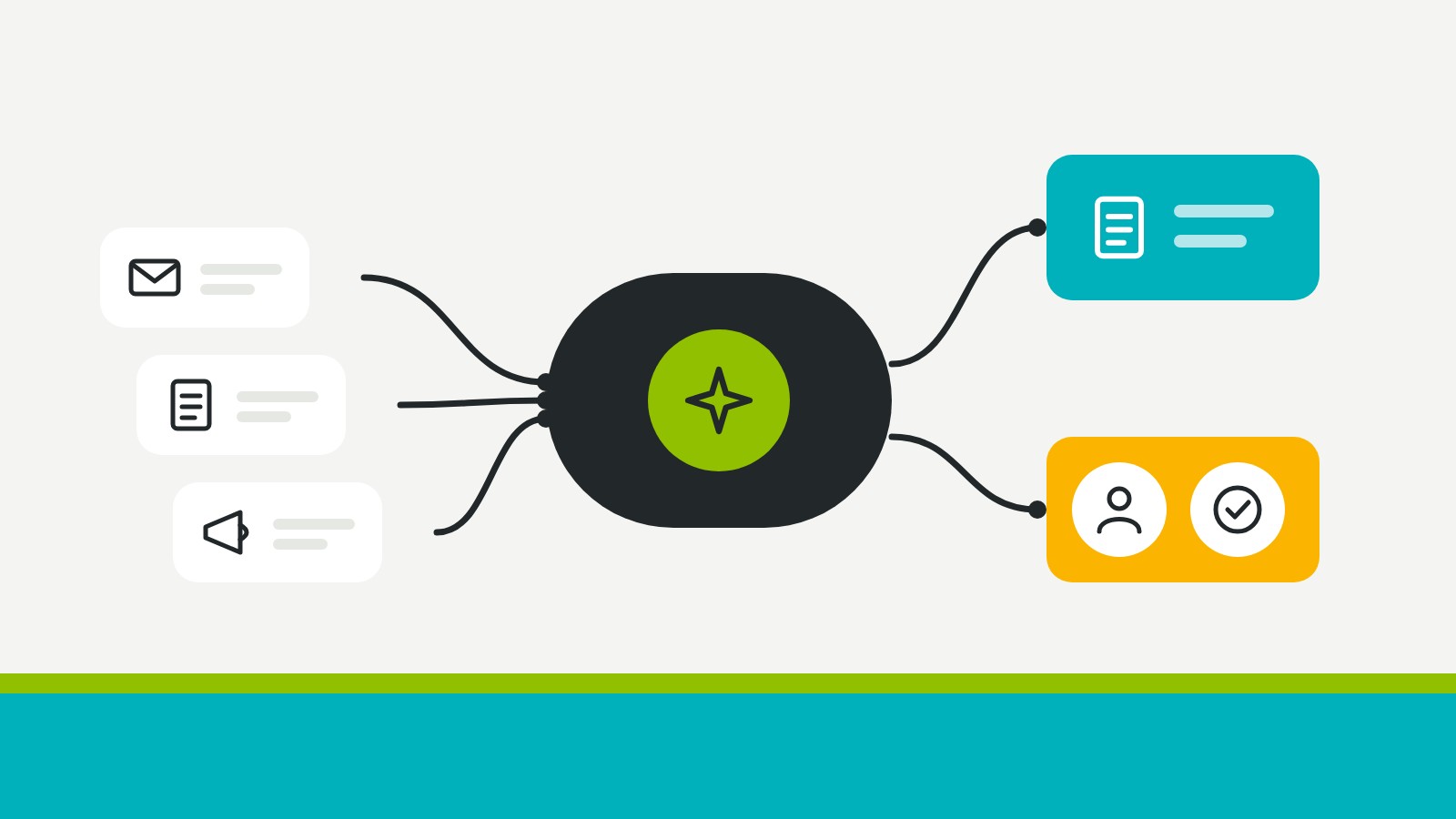
AI saves a small nonprofit real hours only when it drafts work inside a routine someone already runs, with a person checking everything that reaches a supporter, a client or a funder.
Most nonprofits have already started. Almost two-thirds of foundations and nonprofits report that their organization uses AI in its work, yet the same research found that in most of them only a few staff members have a solid understanding of it. That gap explains why so many teams try a chatbot, get a bland first draft and decide AI isn't for them. The tool wasn't the problem. It was dropped into work that had no routine, no template and no one assigned to check it.
The fix is modest and practical. Pick the drafting jobs you already do every week, give AI a clear starting point for each, keep people on anything that makes a promise or names a person, and write the rules down on one page. If you'd rather have it set up and handed over, in-kind help is available.
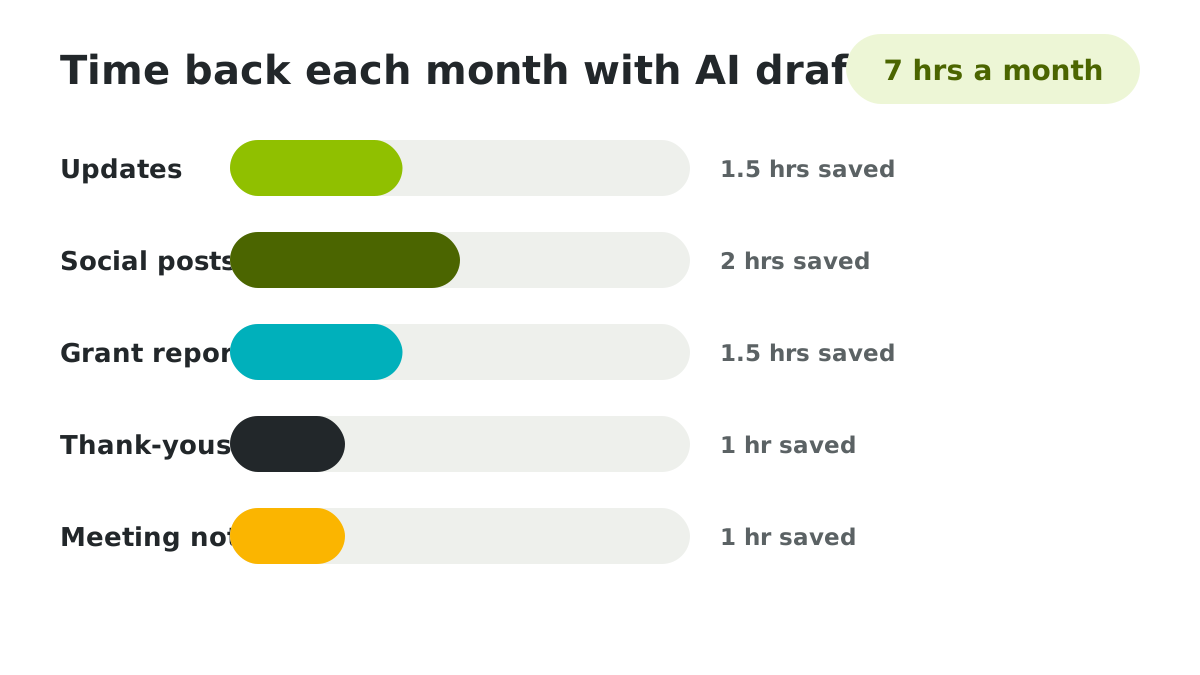
Where AI actually saves a small nonprofit time
AI saves the most time on first drafts of writing you already produce on a schedule. Donor updates, social posts, grant report summaries and meeting notes all start as a blank page every week, and AI turns that blank page into something you can edit in a third of the time.
Consider a literacy program's coordinator who writes a monthly update for supporters. She pastes in her notes from the month, the number of kids in the reading circles and one parent's comment, then asks for a 250-word update in her usual format. The draft needs ten minutes of editing instead of an hour of writing. Across a year, that's most of a working week returned to her program.
Why AI tools disappoint when no routine exists
AI disappoints when it's asked to invent work that has no shape yet. Without a template, examples or a regular slot in the week, every request starts from scratch, every answer comes back generic, and the person using it spends longer fixing the draft than writing it would have taken.
The pattern shows up at almost every small charity that tries AI first and plans second. A volunteer asks a chatbot for "a social media strategy" and gets three pages of advice that fits any organization on earth. A program manager asks for "a grant proposal" and gets confident paragraphs with invented figures. Neither request was tied to a task the team already does, so neither result had anything to anchor it.
Routines give AI the context it lacks. Once the monthly update has a fixed format, past examples and a set day, AI has something to follow, and you have something to check it against.
Routines give AI the context it lacks.
Tasks AI can draft for a small team each week
The tasks that suit AI best are repeatable, low-risk and easy to check. Each one below keeps a person in the loop, and none of them sends anything to supporters without a human read.
| Task | What AI drafts | What a person does |
| Monthly supporter update | A first draft from your notes, numbers and one story | Checks every figure and adds the human detail AI can't know |
| Social posts | Three or four short posts cut from the update you already wrote | Picks the best two and matches each to a real photo |
| Grant report summary | A plain summary of outcomes from your program data | Confirms the results and the claims against the original data |
| Thank-you messages | A warm template with space for the gift and the person's name | Personalizes each note and signs it |
| Meeting notes | A tidy summary with decisions and next steps | Corrects anything misheard and assigns owners |
| Website copy updates | A clearer version of an existing page | Checks accuracy and keeps the page in your voice |
Start with one task. Run it for a month, keep the prompt that works in a shared document and only then add the next. Teams that try everything at once tend to abandon all of it by spring.
Work a person should keep doing at a nonprofit
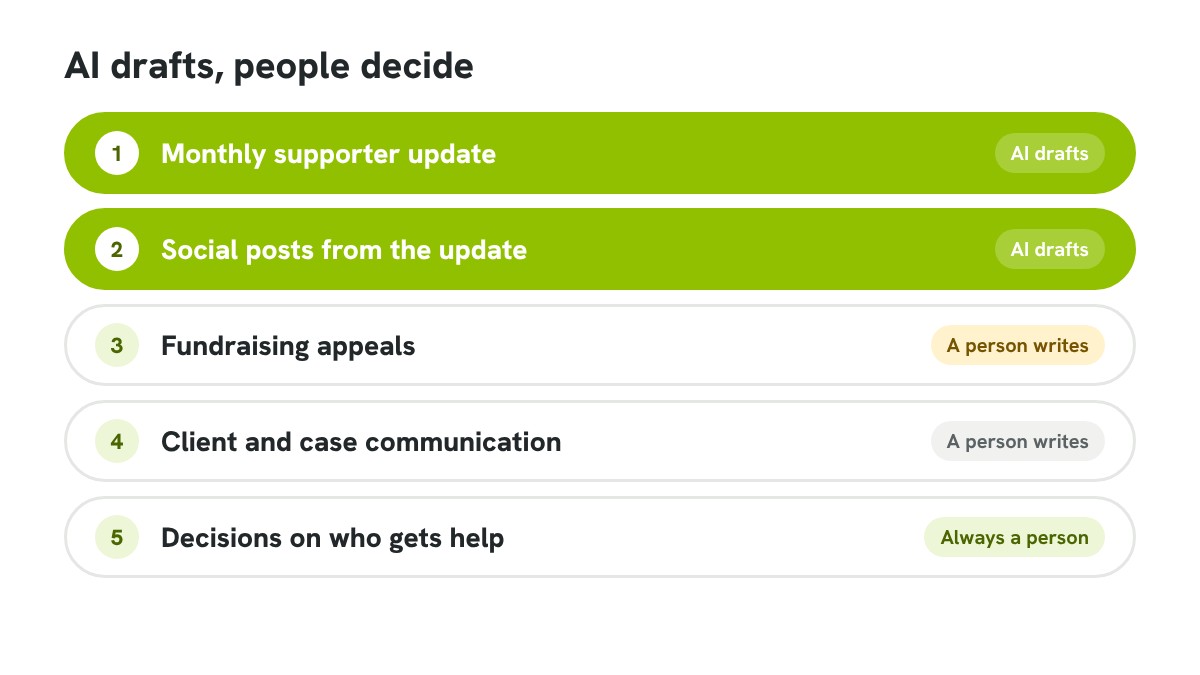
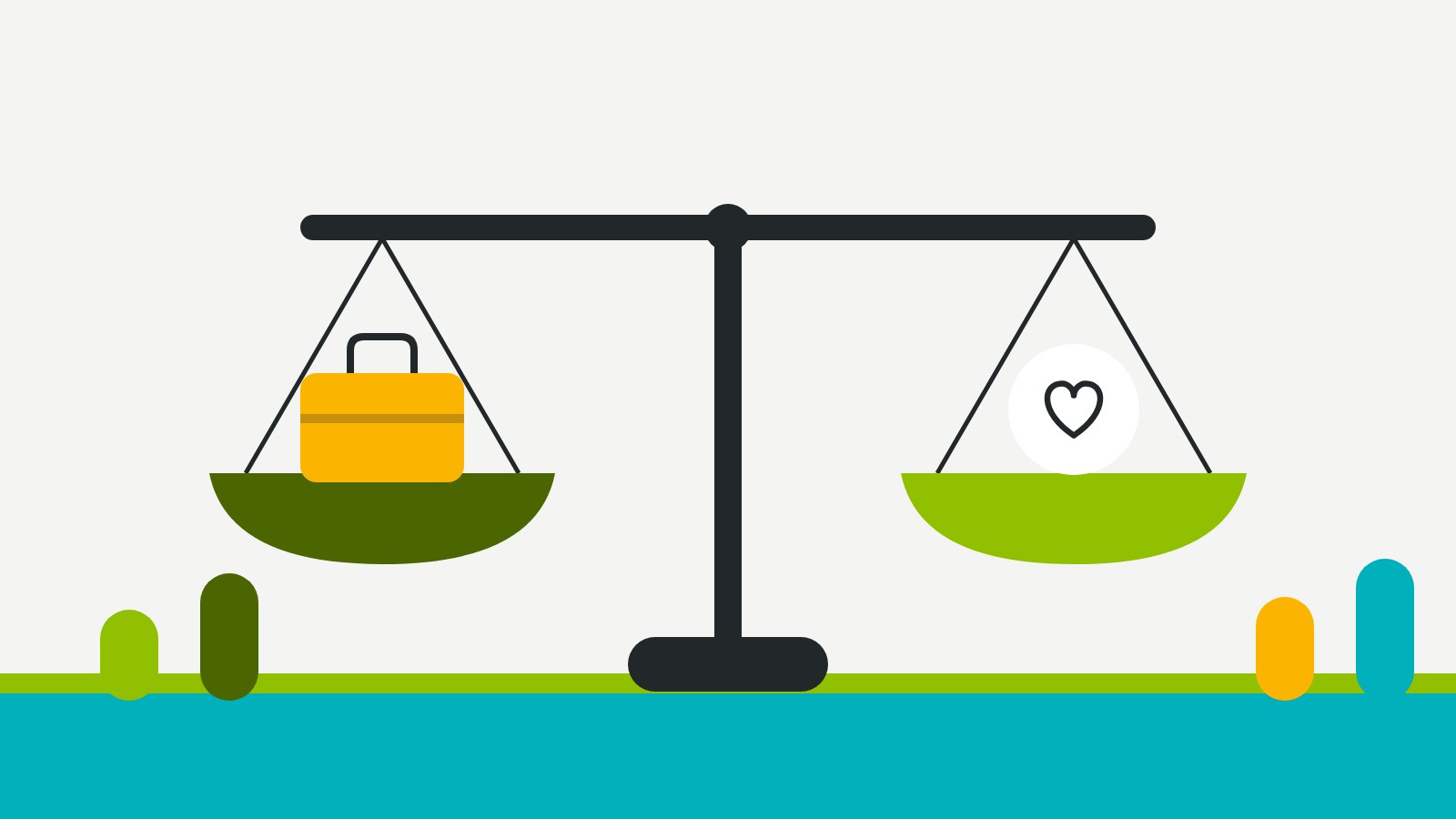
People should keep any work that makes a promise, names a client, asks for money or decides who gets help. Those tasks carry trust, and trust is the one thing a small nonprofit can't afford to lose to a careless draft.
A food bank can let AI draft its volunteer shift reminders, yet the decision about which families get a weekend hamper stays with staff who know the people involved. A health charity can use AI to summarize research for a newsletter, while any advice that reaches a patient goes through a qualified person first. Drawing the line this way also protects your staff, because nobody ends up signing their name to something they didn't actually check.
Nobody ends up signing their name to something they didn't actually check.
How to protect donor and client data when you use AI
Keep personal information out of public AI tools entirely. Names, addresses, health details, case notes and giving histories shouldn't be pasted into a chatbot unless your organization has an account with clear data terms and someone has read them.
The simplest habit is to strip details before you paste. Replace a client's name with "the participant", a supporter's gift with "a monthly gift" and an address with nothing at all. AI writes just as well without the specifics, and you add them back during the edit. For anything involving case files or children, keep the work off AI tools unless a board-approved policy says otherwise.
Check the settings on any tool you use regularly. Many let you turn off the use of your conversations for training, and that switch takes thirty seconds.
Writing a one-page AI policy your board will approve
A one-page AI policy tells staff and volunteers which tools they can use, what data never goes in and who reviews AI drafts. It doesn't need legal language. It needs to be short enough that everyone reads it and clear enough that nobody has to guess.
Few organizations have one yet. Only about 15% of nonprofits currently have an organizational policy for responsible AI use, so writing yours puts you ahead of most of the sector. A clear page covers these five points.
- The AI tools staff and volunteers are allowed to use
- The personal and confidential information that never goes into them
- Which drafts need a person's review before they go out
- When you'll tell supporters that AI helped with something
- Who owns the policy and how often it gets reviewed
Put the draft on your board's agenda as a discussion item. Ten minutes of discussion gets you approval and a shared understanding that's worth more than the document itself.
A weekly AI routine for a team of one
A team of one gets the most from AI by tying it to fixed slots in the week. One session drafts the week's posts from the monthly update, another drafts thank-yous, and a short weekly check catches anything that drifted from your voice or your facts.
Sort your own tasks with the tool below. Tick what you do now and it shows which jobs AI can draft, which to keep, the time it's likely to save and a starter policy you can copy.
If you already follow a weekly marketing routine, slot AI into the days you have. The plan in our guide to marketing with a team of one marks the tasks where a draft helps most.
Common AI mistakes that cost small nonprofits trust
The mistakes that hurt small nonprofits most aren't technical. They're about publishing something no one checked, sharing data that should have stayed private or sounding like everyone else.
An animal rescue that posts an AI-written adoption profile with the wrong breed and age will hear about it from supporters within an hour. A youth charity that pastes a grant report full of case notes into a free chatbot has a privacy problem it can't undo. A newsletter that reads like every other AI newsletter loses the warmth that made people subscribe. Each of these comes from skipping the human step, and each is avoided by the policy and routine above.
Getting AI set up without a tech team
Most small nonprofits don't need new software to start. They need one routine, a few saved prompts, a one-page policy and someone to check the drafts. That's achievable in a few weeks, even with no technical staff.
Where a team wants more, such as automated thank-yous, a reporting workflow or a drafting assistant trained on its own past writing, the setup takes skills most charities don't have on staff. That's the kind of project mentored apprentices deliver at Layer Cake Foundation, built on the same AI workflows that run in businesses and handed over with training. Either way, the principle holds. Give AI a routine, keep people on the work that carries trust and write your rules down before you need them.